Nothing but LCTC good vibes! Get pumped with songs that bring the energy, classic hits you love, favorites that make you smile, and a few surprises that just might have you dancing along.
1. DOWNLOAD OUR IN-SERVICE TRACK Before connecting the speaker, download the In-Service track to your phone or device so it’s ready to play. Once downloaded, follow the steps below to connect your speaker.
2. TURN ON THE SPEAKER
Slide the ON/OFF switch to ON.
The blue light will blink when the speaker is ready to connect.
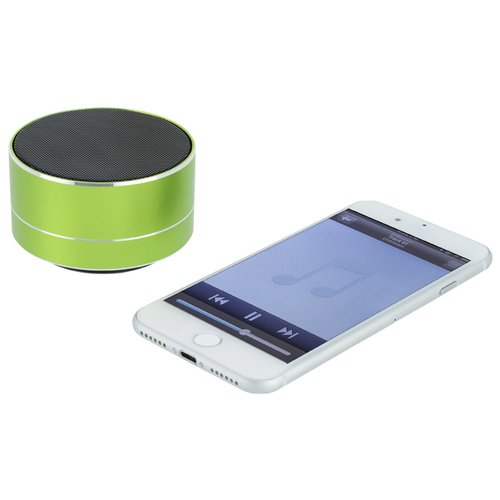
3. CONNECT WITH BLUETOOTH®
~ Open Bluetooth Settings on your phone or device.
~ Make sure Bluetooth is turned ON.
~ Select “TWS Mini Speaker” from the device.
~ Once connected, open the In-Service track you downloaded and press PLAY. You’re ready to go!
QUICK CONTROLS
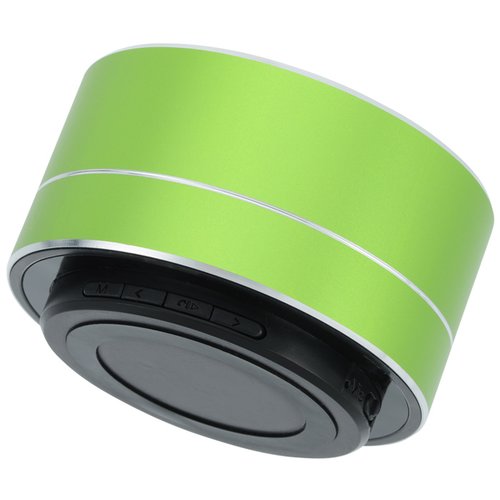
Play/Pause: Press the ▶/⏸ button
Volume Up: Press and hold >
Volume Down: Press and hold <
Next Track: Short press >
Previous Track: Short press <
USING TWO SPEAKERS TOGETHER
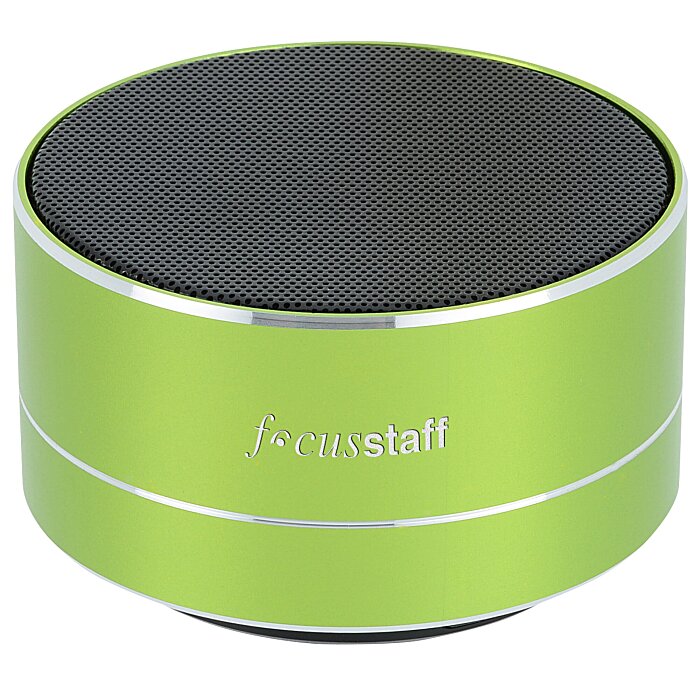
Want more sound? You can pair two TWS Mini Speakers together.
~ Turn Bluetooth OFF on your phone first.
~ Turn both speakers ON and keep them close together.
~ Press and hold the M button on one speaker until you hear a tone.
~ Press and hold the M button on the second speaker until you hear a tone.
~ Once the speakers are paired, turn Bluetooth back on and connect your phone to “TWS Mini Speaker.”
~ Play the In-Service track. Audio should now play through both speakers.
HAVING TROUBLE CONNECTING?
Turn the speaker OFF, turn Bluetooth OFF on your device, then turn both back on and try connecting again.
Tip: Keep your phone and speaker close together while pairing.